
How to Buy TRON Energy for Tangem Wallet
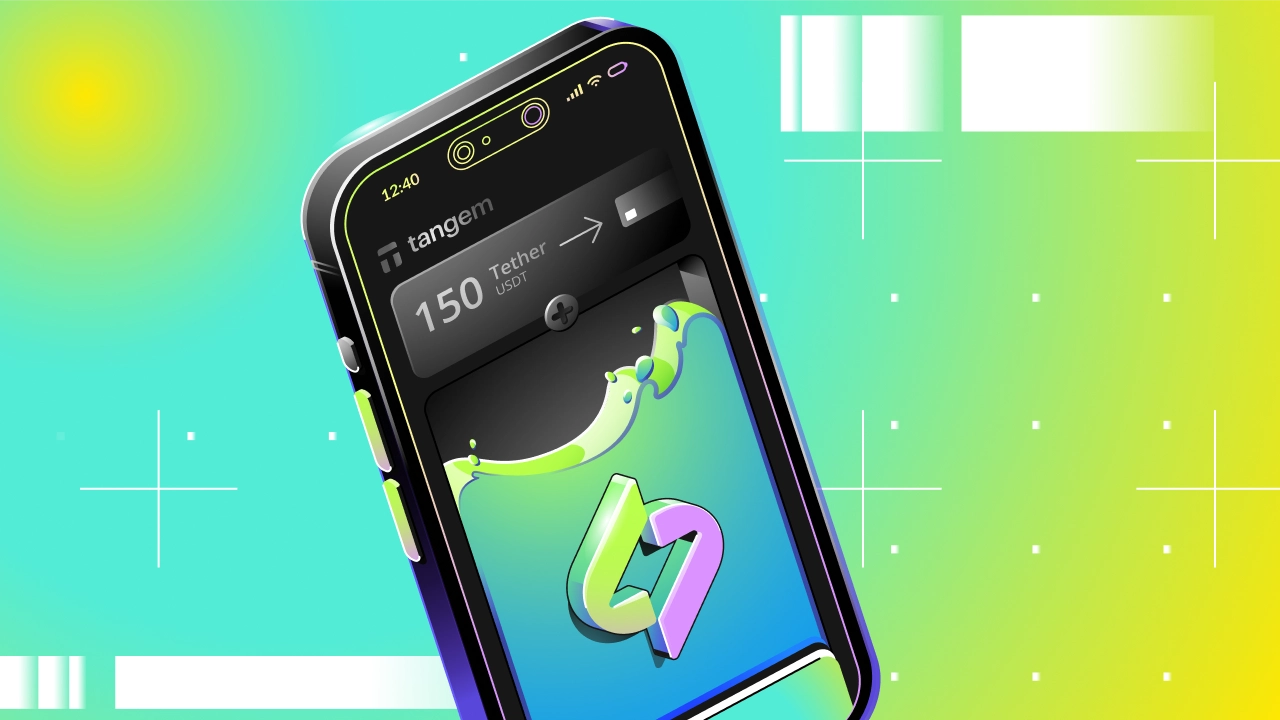
Recently, the Tangem wallet has been gaining popularity thanks to its simplicity. In this article, we will look at an easy way to buy TRON energy for the Tangem wallet.
Transaction fee for sending USDT in the Tangem wallet
If you want to send a USDT transaction from the Tangem wallet, then without energy you will pay a fee of about $1.93. This is a network fee that is paid by burning TRX.

Buying TRON energy for the Tangem wallet
Buying energy for the Tangem wallet looks like this:
- Open the Tangem wallet
- Tap the Tether icon and copy the wallet address

Adding an address in the bot
- Open the Telegram bot @FeeSaver_bot
- Tap Energy, then Select Address
- Add an address using the Add address button
- Send the Tangem wallet address to the bot
- You can add a note for the address or skip this step

Creating an order
- You will see that your address has been added to the list. Tap it so it appears in the pre-order
- The pre-order is 65K energy with a 15-minute rental period
- To purchase, tap Confirm
- After a successful purchase, the bot will send you the status information

You can check the energy balance only in the Tronscan explorer. The Tangem wallet does not have an interface for displaying TRON resources.
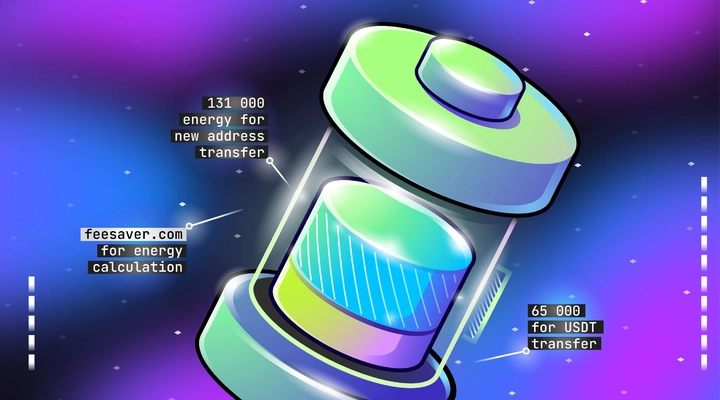
65K energy is enough to send a transaction to a recipient address that has USDT. If the recipient address does not have USDT, then 131K energy will be required.
Другие статьи
Перейти в блог

Every transaction
without FeeSaver — is an overpayment
Connect your addressright now and start saving!
Комментарии (0)