
What is TRON (TRX) staking and how to earn from it
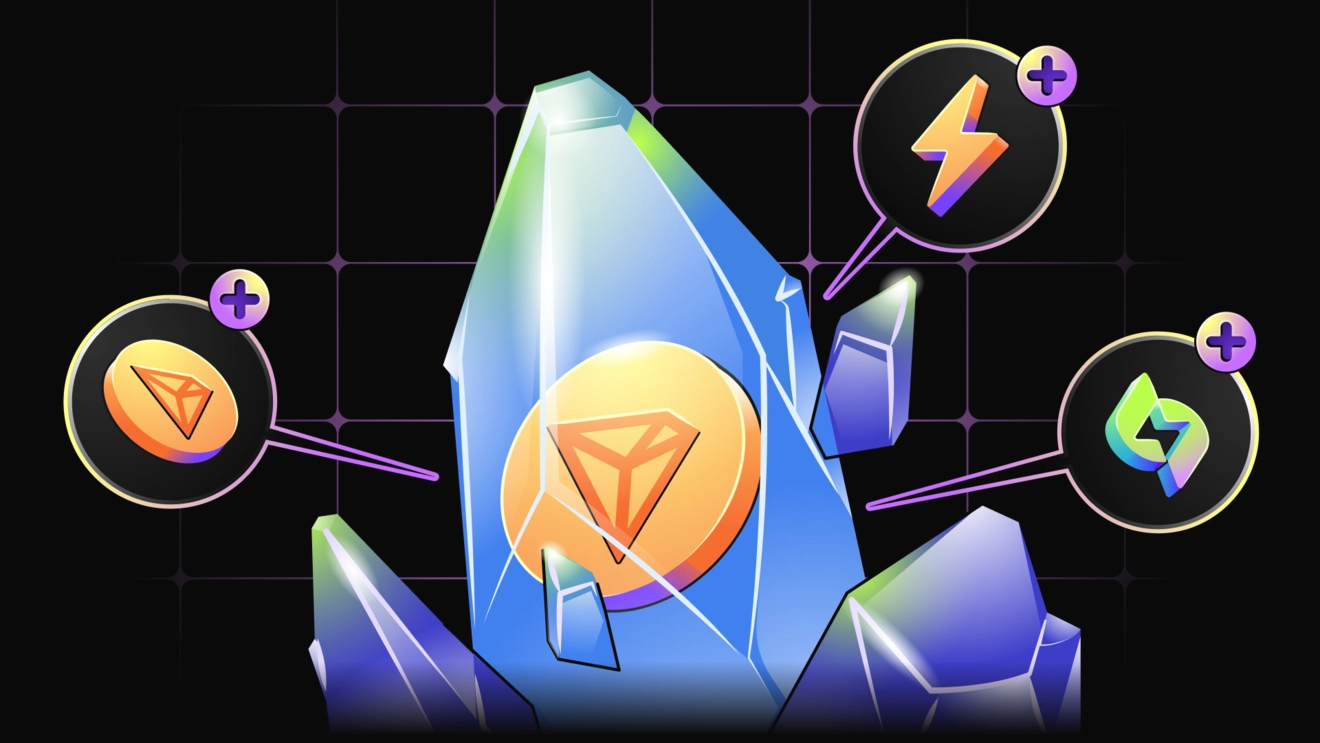
Introduction to TRX staking and TRON resources
TRX staking is the process of “freezing” TRON (TRX) coins in your own wallet to support the blockchain and earn passive income. The TRON blockchain uses the Delegated Proof-of-Stake (DPoS) consensus algorithm, where TRX holders vote for validator nodes (Super Representatives) by freezing their tokens. In the TRON ecosystem, staking plays a key role: in addition to rewards, frozen TRX grants users network resources for making transactions without fees and also gives voting rights in network governance. In other words, staking turns TRX into not only an income-generating asset, but also a tool for participating in the TRON DeFi ecosystem (decentralized finance), enabling you to interact with the network without intermediaries.
Key benefits of TRX staking on the TRON network:
- Network resources (Bandwidth and Energy): when you freeze TRX, you receive Bandwidth and Energy, which are required for transactions. Bandwidth is spent on standard operations (for example, TRX transfers), while Energy is spent on interacting with smart contracts (using dApps, sending USDT, swapping on a DEX, minting NFTs, and more). These resources automatically replenish every 24 hours and allow you to perform transactions with minimal cost, without burning TRX as a fee. If resources are insufficient, the network starts burning TRX to pay for transaction fees. This is why staking helps you get “nearly free” transactions within the limits of the resources you receive.
- Voting rights (Tron Power): each frozen 1 TRX gives you 1 unit of Tron Power, a vote that can be delegated to support candidates for TRON Super Representatives. In total, the network elects 27 Super Representatives (SR) who validate blocks and maintain the blockchain. Votes are redistributed regularly (re-elections happen every 6 hours), so the more TRX you stake, the more weight your vote has in choosing validators. By voting, you participate in network governance and can receive rewards from the selected Super Representatives for supporting their nodes.
Freezing TRX (staking) does not remove coins from your address. Your funds continue to be stored in your personal wallet, they are simply marked on-chain as frozen. They always remain under your control, and if needed you can initiate unstaking. Important: the standard unstaking period on TRON is 14 days. This means that after you request to withdraw your stake, you must wait two weeks for TRX to become available for free use again. This mechanism helps protect the network from sudden changes and supports stability, but it also means you should plan ahead.
How TRON staking works on the FeeSaver platform
FeeSaver Staking is a service that helps TRX holders maximize staking income by monetizing the resources they receive. In practice, when staking, users typically do not spend all of their daily Energy and Bandwidth. FeeSaver rents out your unused Energy (and, when supported, Bandwidth) from your address and provides it to those who need resources for transactions on the TRON network. The fees earned from renting out resources are then distributed to users who delegated those resources as rewards. In simple terms, FeeSaver turns your frozen TRX into an additional passive income stream: you not only receive the baseline TRON staking rewards, but also extra income from selling network resources generated by your TRX.

A key feature of FeeSaver is that everything happens decentrally, via official TRON smart contracts, without transferring your coins to third parties. You delegate only the right to use resources (Energy and, if you choose, votes), not ownership of the tokens themselves. Your TRX remains in your wallet, and your private keys stay with you. Neither the platform nor renters gain access to your funds. This approach provides a high level of security and transparency: at any time, you can verify the staking status via a TRON block explorer, and all actions are reversible (you can revoke delegated resources or withdraw TRX from staking after the lock period ends).
Step-by-step guide: how to start staking TRX via FeeSaver
By following the steps below, you will be able to stake TRX on the TRON blockchain using FeeSaver, delegate your resources, and start receiving rewards:
- Set up a TRON wallet and fund it with TRX: first, install a crypto wallet that supports TRON (for example, the TronLink extension or the mobile TronLink/Trust Wallet). Create a TRON address or import your seed phrase, then fund your balance with TRX (you can buy it on an exchange and withdraw it to your wallet). It is recommended to keep a small amount of TRX unstaked to cover potential network fees during the next actions.
- Freeze (stake) TRX to receive resources: open the TronLink app/extension and find the Staking or Energy section. Choose Stake for Energy (wallets typically allow you to stake for either Energy or Bandwidth). Enter the amount of TRX you want to stake and confirm the staking transaction. After successful staking, your address will receive Energy (a daily allowance that replenishes each day) and Tron Power votes equal to the number of frozen TRX. Note: unstaking TRX requires a 14-day waiting period after you initiate the withdrawal, so you cannot withdraw immediately. At this stage, you may also start receiving baseline TRON staking rewards (on average about ~3% annually), distributed by the chosen validators every 6 hours or daily, depending on the SR payout mechanics.
- Delegate Energy to the FeeSaver pool: now that you have available Energy, you can rent it out via FeeSaver. In TronLink, go to the Energy section, where you will see the amount of available resources. Click Delegate and enter the official FeeSaver Staking pool address in the recipient field (these details are available in the documentation and on the FeeSaver website). Confirm the delegation by signing the transaction in your wallet. After the operation, your Energy will be delegated to the pool; you should see the Delegated status and the Reclaim button in case you want to return the resource back to your address.
Important: you delegate only Energy/Bandwidth, not TRX tokens. Your tokens remain frozen in your wallet, and you only authorize the pool to use a certain amount of your resources.
- Vote for a Super Representative (SR): to maximize overall yield, use your Tron Power votes. In TronLink, open the Vote section and select the Super Representative FeeSaver (or any reliable SR of your choice). Enter the maximum number of votes (equal to your Tron Power) and confirm the voting transaction. Now your votes are delegated, and you may receive additional rewards (about ~3% annually) from the chosen Super Representative for supporting their node. FeeSaver recommends voting for the FeeSaver node, which is itself an SR candidate and, with enough votes, can enter the top 27 TRON validators. Keep in mind that voting rewards on TRON must be claimed manually. Periodically open the Vote section and click Claim Rewards to collect accrued TRX voting rewards. The coins will be sent to your address immediately. More details are available in the documentation.
- Receive rewards and manage your staking: after completing the steps above, you only need to collect income on a regular basis. FeeSaver rewards for resource delegation are credited automatically and daily to your wallet in TRX. You can increase your stake (add more TRX to generate more Energy and votes) or initiate unstaking if you decide to withdraw funds. After 14 days, your TRX will be unlocked and can be transferred or sold. Delegated resources can also be reclaimed at any time by clicking Reclaim in TronLink if you need them for personal transactions. If you have any questions, FeeSaver support is available 24/7 and can help quickly via chat.
Conclusion
TRON staking via FeeSaver is an effective way to earn higher passive income from your TRX while preserving security and control over your funds. You keep coins in your wallet and interact with the TRON blockchain directly, while FeeSaver’s algorithms automatically monetize your resources and pay out profits to you. A high total yield (around ~20% per year in TRX) combined with minimal operational risks (tokens remain under your control) makes this approach attractive both for beginners looking for a simple way to earn in crypto and for experienced holders who want to maximize portfolio returns. By connecting to FeeSaver Staking, you can earn more than with standard TRON staking and also contribute to the decentralized finance ecosystem, where your assets support the network and provide you with stable passive income.
Другие статьи
Перейти в блог-
 Education
Как отправить USDT TRC-20 с Ledger и снизить комиссию с помощью энергии TRON
-
 Education
Кому нужна аренда энергии TRON: биржам, кошелькам, платежным сервисам и не только
-
 Education
Как получить энергию в TronLink и использовать ее для перевода USDT
-
 Education
Как снизить комиссию при переводе USDT TRC-20 в Trust Wallet: встроенная и внешняя аренда энергии
Every transaction
without FeeSaver — is an overpayment
Connect your addressright now and start saving!
Комментарии (0)