
What Are Energy and Bandwidth Resources in TRON: A Complete User Guide
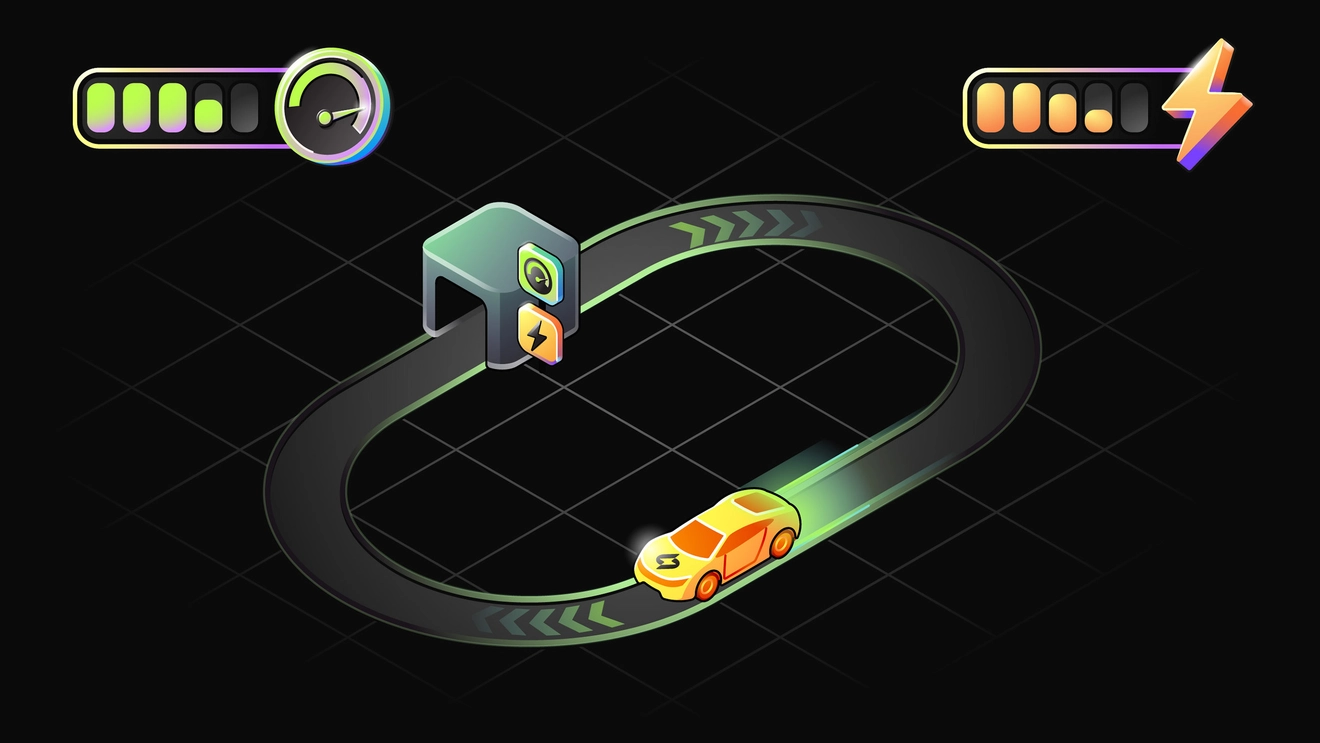
When you first get acquainted with the TRON network, many users get confused by its resource model. If in Ethereum everything is relatively simple – there is gas, and you pay it for every action – then in TRON your wallet shows bars for “Energy” and “Bandwidth”. And when you try to send USDT, you may suddenly see the error “FAILED – OUT OF ENERGY” and lose several TRX.
To understand what TRON Energy is and why it exists, you need to look at the network architecture. TRON was designed from the start as a high-performance network for mass usage. Think of it as a huge payment hub. The monthly volume of stablecoin transfers on the network has long been measured in the hundreds of billions of dollars. If every transaction required heavy computation and high fees, the system would choke. That is why TRON split its fee model into two independent parts – payment for block space (Bandwidth) and payment for computation (Energy).
Simplified explanation: how Bandwidth and Energy work
To understand TRON’s resource model, imagine a simple real-life analogy – a post office and a computer.
Imagine the TRON blockchain as a huge postal processing center. Every day, millions of parcels and letters pass through it. In this center there are two different services.
The first service is the delivery department. It deals with simple shipments. You bring an envelope, pay for a stamp, and the letter goes to the recipient. The thicker the envelope, the more expensive the stamp. In TRON, this role is performed by Bandwidth.
The second service is the computing center. You use it when you need more than sending a letter – you need to solve a complex task. For example, run a program that automatically swaps one currency for another, or verify the conditions of a lending agreement. This work requires electricity and CPU time. In TRON, that is Energy.
A detailed breakdown of TRON resources
Now that the overall logic is clear, it is time to understand how TRON resources work in practice. How many resources are needed for different operations? Where do the numbers in your wallet come from? And why do people say that Energy restores gradually, while the daily limit refreshes over 24 hours?

Bandwidth – payment for block space
You have two main sources of Bandwidth.
Source 1 – staking (freezing) TRX. If you need to make transfers, you can freeze your TRX and receive Bandwidth. The calculation is proportional to your share of the total pool:
Your Bandwidth = (Your TRX frozen for Bandwidth ÷ All TRX frozen for Bandwidth in the network) × Total Bandwidth pool.
Source 2 – a free daily limit. Each TRON account receives 600 free Bandwidth units per day. This value can change if the network adopts a decision through governance, but for a long time it has stayed at 600. This is usually enough for several simple transactions per day.
The system always tries to pay for a transaction in the cheapest way for you. The order is:
- the free limit (600)
- if it is not available – Bandwidth obtained from staking is used
- if the total limit is exhausted – the network starts burning your TRX
Burn rate: Transaction size × 1000 SUN (where 1 TRX = 1,000,000 SUN). For example, for a 250-byte transaction you will pay 250,000 SUN, or 0.25 TRX.
Bandwidth restores linearly over 24 hours. If you spent 50% of your limit at 12:00, then by 18:00 about 25% will be restored (assuming you did not make more transactions).
Source 3 – resource renting (market). Users who staked TRX can choose Bandwidth as a reward. This resource can be sold via specialized services that use Bandwidth for their own needs or redistribute it among clients and buyers.
Energy – payment for computation
Energy is spent on executing smart contracts. Almost all popular actions in TRON are smart contracts. Sending USDT is a contract call. Swapping tokens on a DEX, interacting with DeFi protocols, or using dApps is also smart-contract execution.
USDT on TRON is a TRC-20 token (a smart contract), so sending USDT consumes Energy. Actual consumption depends on the scenario and network parameters. In practice, sending USDT to an address that has already interacted with USDT (has a token balance) often requires around 65,000 Energy. Sending to an address that has no USDT balance yet can require around 131,000 Energy.
There is no free Energy. You can obtain it only in two ways.
Way 1 – staking (freezing) TRX. The mechanics are similar to Bandwidth: your daily Energy limit depends on your share of the total Energy pool in the network.
Way 2 – renting Energy. There are services and “energy markets” where you can rent Energy from TRX holders. This is useful if you need one or two contract transactions but do not want to freeze a large amount for a long period.

Energy restores linearly over 24 hours, similar to Bandwidth. If Energy is exhausted, the system starts burning TRX at a fixed rate:
1 Energy = 100 SUN = 0.0001 TRX.
Example: you send USDT and the transaction requires 65,000 Energy. If you have no Energy, the system charges 65,000 × 0.0001 = 6.5 TRX. If the transfer requires 130,000 Energy, about 13 TRX would be burned.
Side-by-side comparison
For clarity, here is a short comparison of Bandwidth and Energy.
| Characteristic | Bandwidth | Energy |
|---|---|---|
| What it represents | Transaction size in bytes (block space) | Computational complexity (smart-contract execution) |
| What it is spent on | Operations that write data to the blockchain (including TRX transfers) | Smart-contract operations (TRC-20 transfers, DeFi, dApps) |
| Free daily limit | Yes, 600 units per day for each account | No free limit |
| How to get more | Freeze (stake) TRX | Freeze TRX or rent Energy |
| Does it restore during the day | Yes, linearly over 24 hours | Yes, linearly over 24 hours |
| What happens if it runs out | TRX is burned by formula depending on transaction size | TRX is burned at fixed rate: 1 Energy = 0.0001 TRX |
Practical usage: how it works in real life
The key question is: “What should I do to avoid overpaying?”
Staking guide: how to freeze TRX
Obtaining resources by freezing tokens is usually referred to as staking. You can do it directly in your wallet interface. Most popular wallets support this function, for example TronLink (browser extension and mobile app) and other multi-currency wallets that support TRON.
Step-by-step (TronLink example)
- Open the wallet and go to the Stake section.
- Enter the amount of TRX you want to freeze.
- Choose which resource you want – Bandwidth or Energy. In many cases you can split the amount between them.
- Confirm the transaction and wait until it is included in a block (usually a few seconds).
After that, your wallet will show resource indicators with your available Bandwidth and Energy limits.
Important details about unstaking
TRON uses a waiting period for unstaking:
- When you initiate unstaking (Unstake), your resources (Bandwidth and Energy) are lost immediately.
- The TRX coins themselves become available only after 14 days.
This waiting period helps stabilize governance and voting. For a user it means one simple thing – freeze only the coins you do not plan to move within the next two weeks.
TRON Power: an additional benefit of staking
When you freeze TRX, you receive TRON Power (TP) – voting power in the network governance system. The rule is simple: 1 frozen TRX = 1 vote.

TRON has Super Representatives (SR) and partners. Voting rewards are distributed to voters depending on the chosen SR’s policy and commission. Rewards are typically claimed via the wallet interface (for example, the Claim Rewards button) or when you vote again.
Quick reference: what resource is needed
| Action | Resource |
|---|---|
| Simple TRX transfer | Bandwidth |
| TRC-10 token transfer | Bandwidth |
| Creating a new account | Bandwidth |
| Sending USDT (or another TRC-20 token) | Energy |
| Token swap on a DEX | Energy |
| Interacting with a dApp / DeFi protocol | Energy |
Conclusion
In TRON, you do not pay for every action the way you do in Ethereum. You can freeze TRX once, receive resource limits, and use the network with fewer direct deductions.
Bandwidth and Energy restore over time. There is no free Energy – you obtain it via staking or renting.
If resources are insufficient, the system burns TRX according to established rules.
TRX staking can provide not only Bandwidth and Energy, but also TRON Power for voting and potential voting rewards.
FAQ
There are several common reasons. First: you froze TRX for Bandwidth, but your action requires Energy (for example, sending USDT). Second: your Energy limit for the current 24-hour window is not enough, so the deficit is covered by burning TRX. Third: the specific transaction scenario consumes more Energy than usual. Yes. Energy restores gradually over a 24-hour period (linear recovery), similar to Bandwidth. Yes. In many wallets you can allocate the frozen TRX between Bandwidth and Energy, depending on what you do more often. You can check them in your wallet (for example, TronLink) and on a blockchain explorer (for example, in the Resources section for your address). Energy renting means you pay for temporary access to Energy without freezing your own TRX for a long period. In typical setups you do not share private keys – you only interact with contracts/services. As always, use reputable providers and verify addresses before signing transactions. Voting gives you a way to potentially receive voting rewards and participate in network governance using TRON Power obtained from freezing TRX.
Why does TRX get burned if I have staked TRX?
Will Energy restore if I wait?
Can I split staking between Bandwidth and Energy?
Where can I check my Energy and Bandwidth balances?
What is Energy renting and is it safe?
Why vote for Super Representatives?
-
Why does TRX get burned if I have staked TRX?
There are several common reasons. First: you froze TRX for Bandwidth, but your action requires Energy (for example, sending USDT). Second: your Energy limit for the current 24-hour window is not enough, so the deficit is covered by burning TRX. Third: the specific transaction scenario consumes more Energy than usual.
-
Will Energy restore if I wait?
Yes. Energy restores gradually over a 24-hour period (linear recovery), similar to Bandwidth.
-
Can I split staking between Bandwidth and Energy?
Yes. In many wallets you can allocate the frozen TRX between Bandwidth and Energy, depending on what you do more often.
-
Where can I check my Energy and Bandwidth balances?
You can check them in your wallet (for example, TronLink) and on a blockchain explorer (for example, in the Resources section for your address).
-
What is Energy renting and is it safe?
Energy renting means you pay for temporary access to Energy without freezing your own TRX for a long period. In typical setups you do not share private keys – you only interact with contracts/services. As always, use reputable providers and verify addresses before signing transactions.
-
Why vote for Super Representatives?
Voting gives you a way to potentially receive voting rewards and participate in network governance using TRON Power obtained from freezing TRX.
Комментарии (1)
-
Кирилл
Другие статьи
Перейти в блог-
 Education
Как отправить USDT TRC-20 с Ledger и снизить комиссию с помощью энергии TRON
-
 Education
Кому нужна аренда энергии TRON: биржам, кошелькам, платежным сервисам и не только
-
 Education
Как получить энергию в TronLink и использовать ее для перевода USDT
-
 Education
Как снизить комиссию при переводе USDT TRC-20 в Trust Wallet: встроенная и внешняя аренда энергии
Every transaction
without FeeSaver — is an overpayment
Connect your addressright now and start saving!
Спасибо, полезная статья