
How to Create a MyTonWallet Wallet. Can You Send USDT TRC-20 Without Fees?
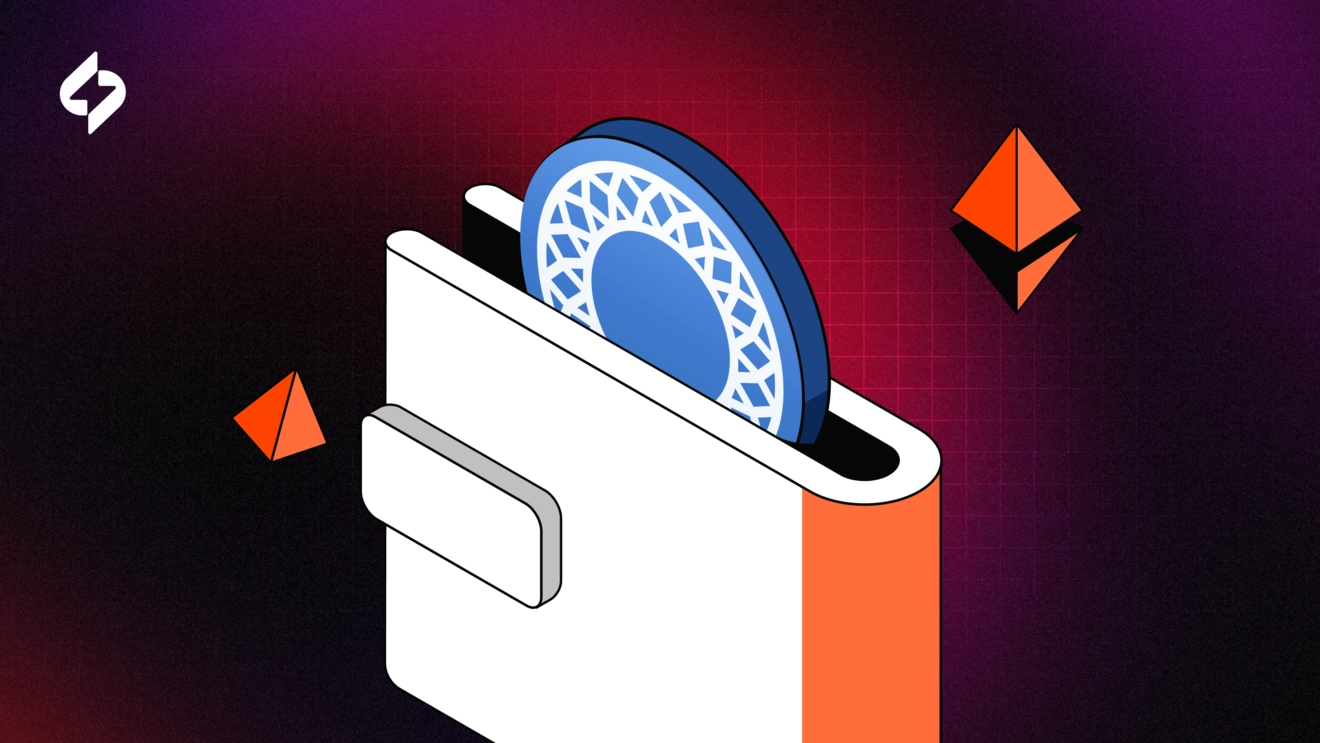
MyTonWallet is a non-custodial cryptocurrency wallet designed to work with the TON (The Open Network) blockchain. It allows users to store, send, and receive Toncoin (TON), as well as manage tokens and NFTs issued on the TON network. The wallet does not store private keys on the service side – all data is controlled by the user, which aligns with the core principles of decentralized finance.
MyTonWallet supports connecting to decentralized applications (dApps) in the TON ecosystem and is used to interact with services including DeFi protocols, NFT marketplaces, and Telegram bots built on TON.
Starting in 2024, MyTonWallet expanded its functionality by integrating support for the TRON blockchain. This means the wallet works not only with TON network assets, but also with the native TRX token and TRC-20 standard tokens (including USDT and others), allowing users to manage these assets within the MyTonWallet interface.
In this article, we will look at how to create a MyTonWallet wallet, and also answer the question: is it convenient to use this wallet for USDT TRC-20 transfers, and is it cost-effective?
MyTonWallet Registration
MyTonWallet is available on major platforms: a mobile app (iOS and Android), desktop apps, and browser extensions. The project also has a Telegram Mini App – a wallet version that runs directly inside Telegram. Compared to other popular wallets, MyTonWallet stands out specifically because it has a built-in app in Telegram, and the developers actively promote this feature.

We will review the registration process using the iOS app as an example.
Below is a step-by-step algorithm:
1. Download the official app to your smartphone
2. Open the app
3. After opening, you will immediately be prompted to create a new wallet. Tap to confirm and proceed.

4. Next, the app will prompt you to set an access code (password/PIN) for login and transaction confirmations, as well as to create a backup.
5. Then a 24-word seed phrase will appear on your screen. You must write it down and store it in a safe place. This phrase is the only way to restore access to the wallet if you lose your device or password. From a security standpoint, we recommend writing the seed phrase on paper and keeping it in a secure location. Next, complete the confirmation step (entering 3 words from the seed phrase).
6. Congratulations – the registration procedure is complete.

You will see the main wallet interface, and you will immediately see the TON and TRON networks there, as well as wallet addresses for the respective networks.
Since we are discussing TRC-20 transactions, we will need to activate the wallet for full use. You can see that the wallet is not activated in Tronscan if you click on your address. To activate the wallet, it is enough to fund the address with at least 1 TRX. You can do this either from another wallet you already have (Trust Wallet, Exodus, SafePal, etc.) or from an exchange (Bybit, Binance).

After funding, you will see in Tronscan that the wallet is activated, and you can now fully use this wallet to make USDT transactions on the TRON network.
Can You Save on Fees When Sending USDT TRC-20 in MyTonWallet?
On the TRON network, transaction fees depend on resources that are used instead of the classic fee payment model:
- Bandwidth – consumed when performing simple operations such as TRX transfers. Some bandwidth is available for free daily, and it can also be obtained by freezing TRX.
- Energy – used when interacting with smart contracts, including USDT TRC-20 transfers. If there is not enough energy on the address, the fee is automatically charged in TRX. If there is sufficient energy, transactions are executed without burning TRX, which can significantly reduce costs.
After registering and activating the MyTonWallet wallet, we decided to check whether it is possible to use the energy resource to pay the fee for a USDT transfer, since we could not find information about this in the documentation on the website. The screenshot shows that when making a transaction without the energy resource, the transfer fee is 7.23 TRX. Note that this is a fairly high fee even compared to well-known wallets.
For this, we bought 65k energy via FeeSaver and verified that it was credited to the wallet address. The cost of 65k energy for a one-time purchase is 3.25 TRX, which is already more than 2 times lower than on MyTonWallet. Then we also tried to make the transfer again, but with energy funded, and saw that the fee did not change and was still 7.23 TRX.


Based on what we saw, there are two possible explanations: either an error occurred in the wallet and the fee wasn't recalculated, or MyTonWallet simply doesn't support paying fees using energy. We went further and contacted support via Telegram with a question about using energy to pay fees, and received the following response:
The option to pay fees using energy when transferring USDT TRC-20 via MyTonWallet is unavailable.

Conclusion
In this article, we provided instructions for registering an account in MyTonWallet, and then reviewed the possibility of saving on fees when transferring USDT TRC-20 using this wallet. This feature is not implemented in this wallet, and the TRX fee for a transfer significantly exceeds even the usual fees in well-known wallets. Earlier, we reviewed popular wallets for working with USDT. If you compare the cost with renting energy via FeeSaver, the difference is more than 2 times.

This implies that using the MyTonWallet wallet for USDT TRC-20 transactions, as of the end of 2025, is simply not cost-effective.
To save on fees on the TRON network, use the FeeSaver service.
Другие статьи
Перейти в блог-
 Education
Как отправить USDT TRC-20 с Ledger и снизить комиссию с помощью энергии TRON
-
 Education
Кому нужна аренда энергии TRON: биржам, кошелькам, платежным сервисам и не только
-
 Education
Как получить энергию в TronLink и использовать ее для перевода USDT
-
 Education
Как снизить комиссию при переводе USDT TRC-20 в Trust Wallet: встроенная и внешняя аренда энергии
Every transaction
without FeeSaver — is an overpayment
Connect your addressright now and start saving!
Комментарии (0)