
TRON Energy Calculator: How to Estimate the Energy Needed for a USDT Transaction
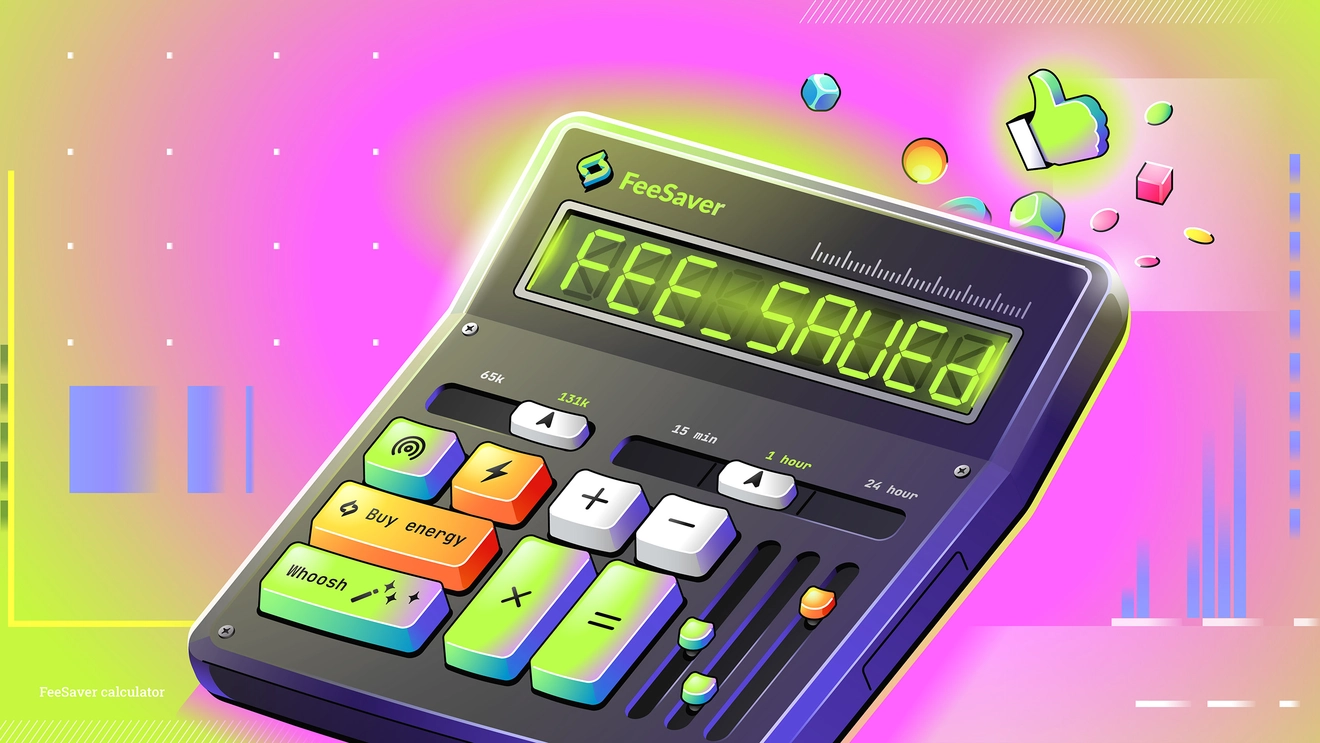
Sending USDT on the TRON network requires more than just having TRX in your wallet. It also requires Energy. If there is enough Energy available, the transaction is processed using that resource. If there is not enough, the missing amount is covered by burning TRX. That is why it is useful to understand in advance how much Energy a specific transfer may require. A TRON Energy calculator helps with this: it shows the expected resource consumption, estimates the fee in TRX if there is no Energy in the wallet, and lets you compare different ways to complete the transaction.
What is Energy in the TRON network
Energy in TRON is a network resource used when executing smart contracts. A regular TRX transfer mainly uses Bandwidth, while TRC-20 token operations, including USDT transfers, require Energy because the transaction interacts with the token’s smart contract.
If the address does not have enough Energy, the missing part is paid by burning TRX. That is why, when sending USDT, it is important to consider not only the token balance but also the amount of Energy available in the wallet. This determines whether the transaction will be completed using Energy or whether the fee will be charged in TRX.
How the TRON Energy calculator works and how to use it
A TRON Energy calculator is used to estimate the cost of sending USDT on the TRON network in advance. First, it helps determine how much Energy is needed for a specific transaction. In practice, two common scenarios are usually used for estimation: around 65,000 Energy for a standard transfer and around 131,000 Energy for a transfer to an address that has never received USDT before.
After that, the calculator shows what the fee in TRX would be if the wallet does not have enough Energy. This makes it possible to see the cost of the transfer without the required resource and understand how much the transaction would cost if the fee were paid in the usual way.
The next step is comparing the available options. The user sees not only the Energy consumption and the fee in TRX, but can also compare those costs with the cost of using the resource itself. That is the calculator’s main practical value: it helps not only estimate Energy consumption, but also choose the more cost-effective way to complete the transaction.

In practice, the calculator is simple to use. First, you choose the transaction scenario: a standard transfer or sending USDT to a new address. Then the calculator shows the estimated amount of Energy required and the transfer cost without it. After that, you can compare paying the fee directly in TRX with the option of using Energy for the transaction.
If there is no Energy available in your wallet, it can be rented via FeeSaver. In many cases, this is more выгодно than simply paying the fee in TRX, especially if transfers are made regularly. That is why the calculator is useful not only as an estimation tool, but also as a decision-making tool: it helps you see the difference in costs before sending USDT and choose the more rational option.
Conclusion
The TRON Energy calculator is designed for a practical task: to estimate in advance how much Energy is needed for a USDT TRC-20 transfer, calculate the fee in TRX if there is no Energy in the wallet, and compare the cost of the two transaction methods. In practice, users usually rely on two common scenarios: around 65,000 Energy for a standard transaction and around 131,000 Energy for a transfer to a new address. The calculator then helps show which option is more cost-effective in a specific situation. In many cases, renting Energy through FeeSaver costs less than paying the fee directly in TRX, especially for users who make transfers regularly.
-
How much Energy is needed for a USDT transfer on TRON?
In most cases, a standard USDT transfer requires around 65,000 Energy. If the token is sent to an address that has never received USDT before, the required amount may be around 131,000 Energy.
-
What does the TRON Energy calculator show?
The calculator helps estimate how much Energy is needed for a USDT TRC-20 transfer, calculate the fee in TRX if there is no Energy in the wallet, and compare the cost of different transaction options.
-
Why is renting Energy cheaper than paying the fee in TRX?
In many cases, renting Energy costs less than paying for the transfer directly in TRX. This is especially noticeable for regular transfers, when fees start to accumulate. The calculator helps show this difference in advance.
-
Does the calculator show the exact fee?
The calculator provides an approximate estimate that helps users evaluate costs in advance and compare available options. This is usually enough to understand the likely expense and choose the most suitable way to complete the transaction.
Другие статьи
Перейти в блог-
 Education
Как отправить USDT TRC-20 с Ledger и снизить комиссию с помощью энергии TRON
-
 Education
Кому нужна аренда энергии TRON: биржам, кошелькам, платежным сервисам и не только
-
 Education
Как получить энергию в TronLink и использовать ее для перевода USDT
-
 Education
Как снизить комиссию при переводе USDT TRC-20 в Trust Wallet: встроенная и внешняя аренда энергии
Every transaction
without FeeSaver — is an overpayment
Connect your addressright now and start saving!
Комментарии (0)